Let customers track their own order and decide if the wait is worth it.
My friend runs a food truck, and on a good day it gets slammed. Orders were taking an hour to ninety minutes, and the crew was already short-staffed. Every few minutes someone had to step off the grill to answer “is my order ready?” So I built them a page where a customer can follow their own order, see how many are ahead of it, and judge whether the wait is worth staying for. The crew runs the same queue from a phone instead of paper.
The crew kept losing time to the same question.
On a good day the line wrapped around the lot, and orders averaged an hour to ninety minutes. The crew wrote each order on paper. Because they were short-handed, every “how much longer?” pulled someone off the grill to dig through a stack of tickets, which only made the next order slower.
The slowest part of service wasn’t the cooking. It was answering questions about the cooking.
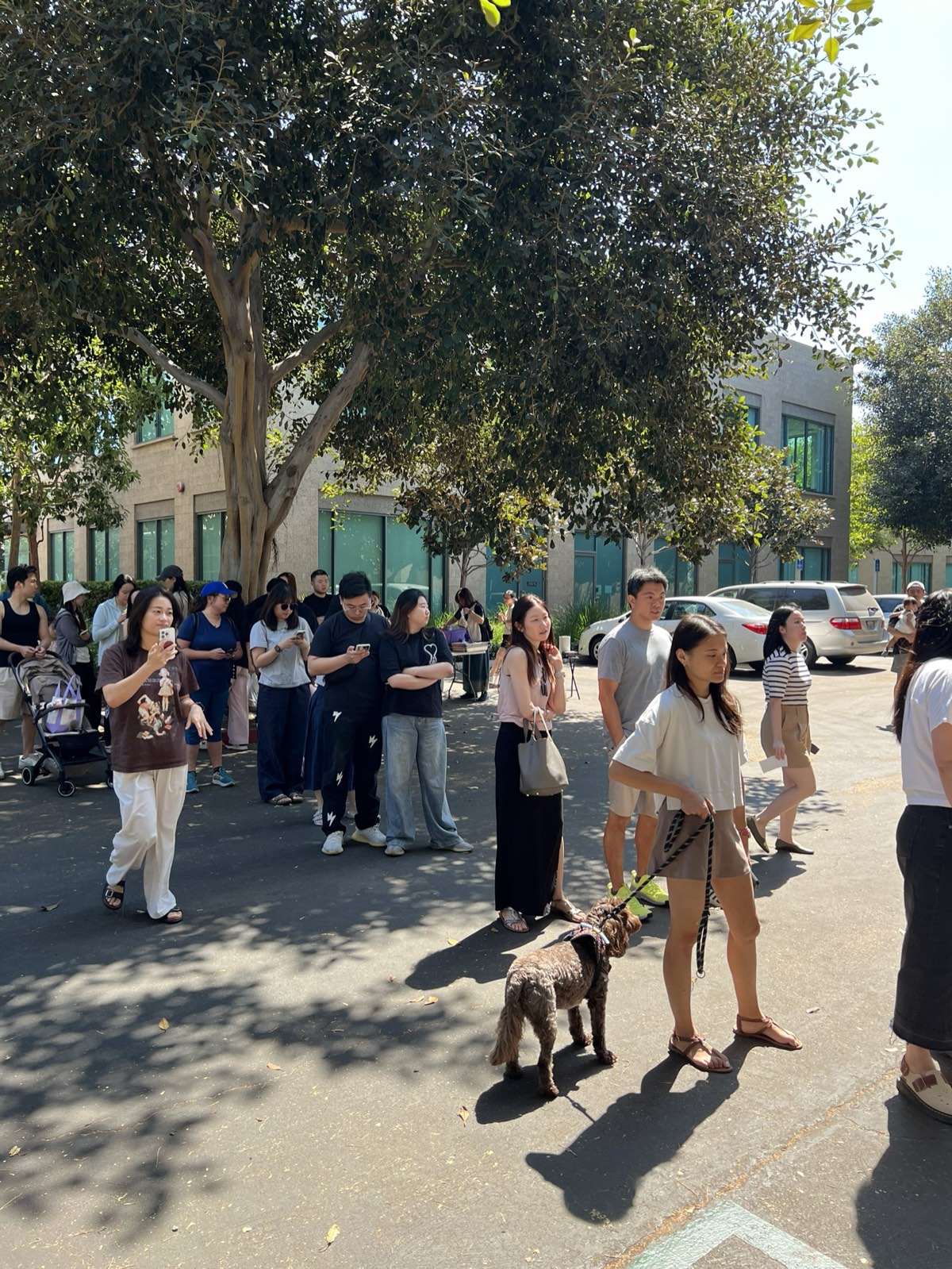
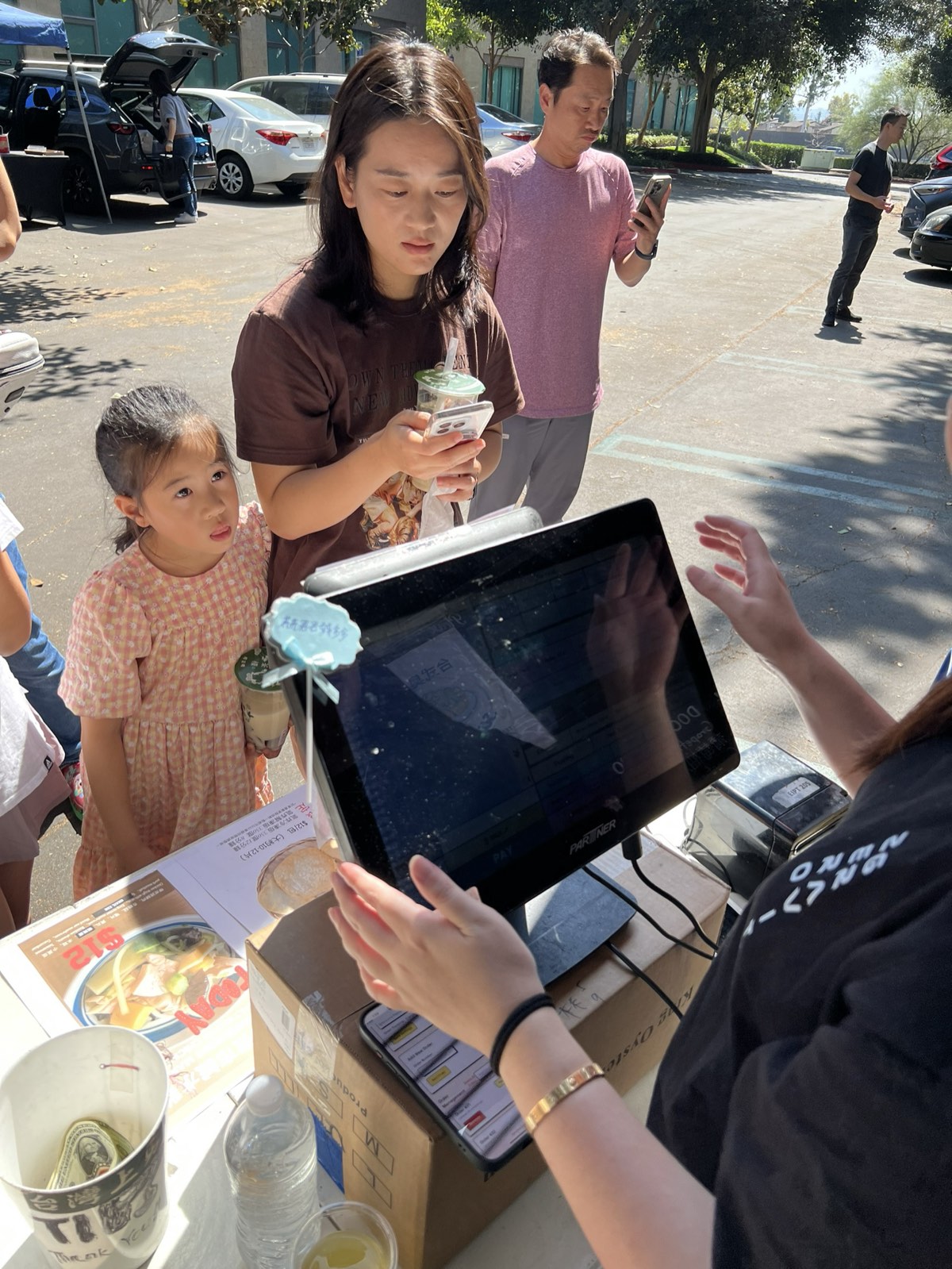
One page for customers, one for the people running the truck.
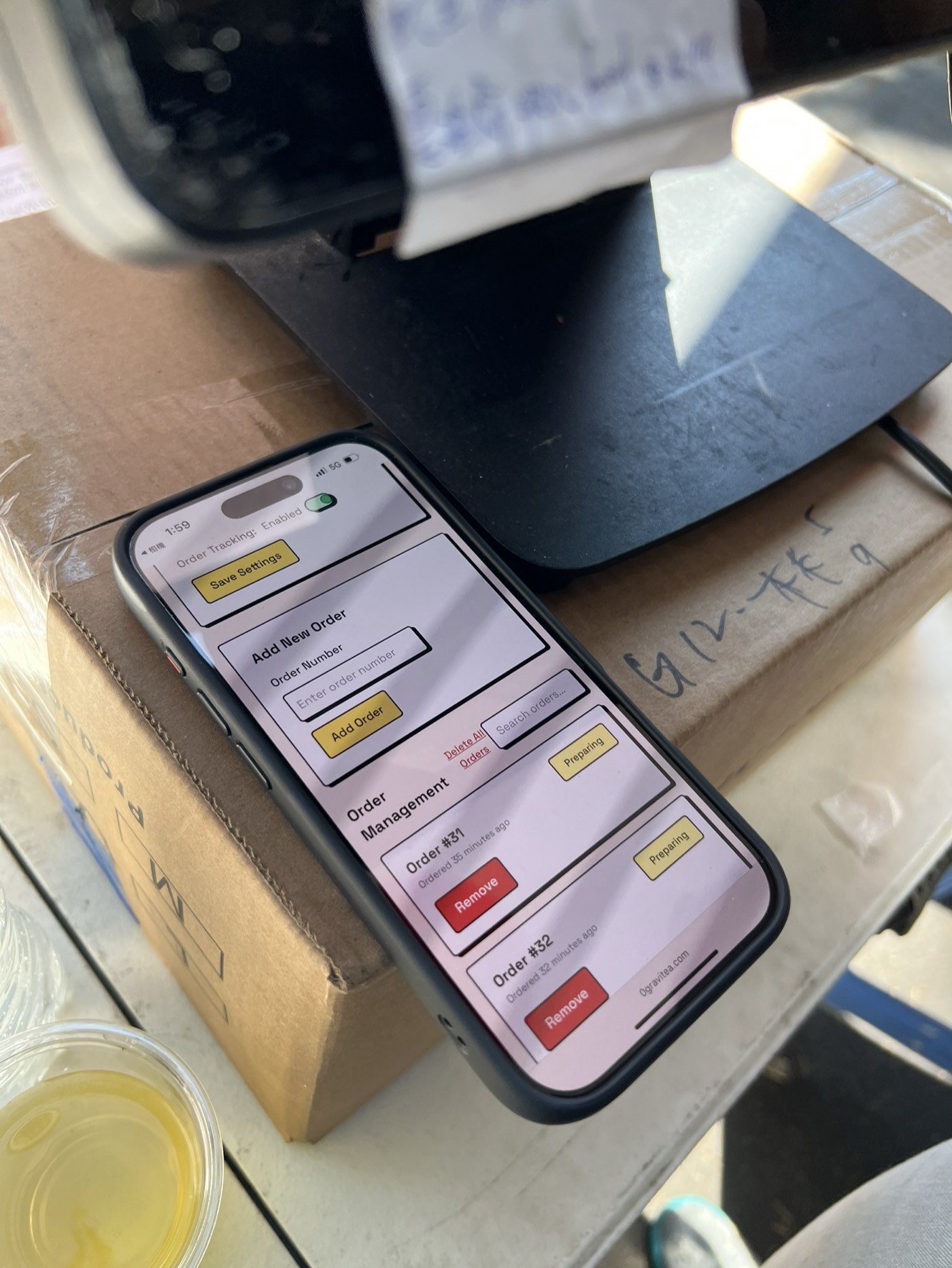
I designed and built the page on Firebase, so every order lives in one shared place instead of on paper. A customer scans a QR code and watches their order move through the queue. The crew gets a matching admin page they can run from a phone or an iPad, so they never have to rewrite a ticket by hand.
Add, move, remove
You can add a new order, reorder the queue, or clear a finished one, all from your phone.
Change status in a tap
When you move an order along, the customer’s page updates right away.
One shared source
Every device sees the same queue, so the window and the kitchen never disagree.
Fewer interruptions, and a queue everyone can see.
Customers stopped asking for updates once they could watch their own order move. The crew kept their hands on the food instead of the ticket stack, and everyone, in the kitchen and at the window, was looking at the same queue.
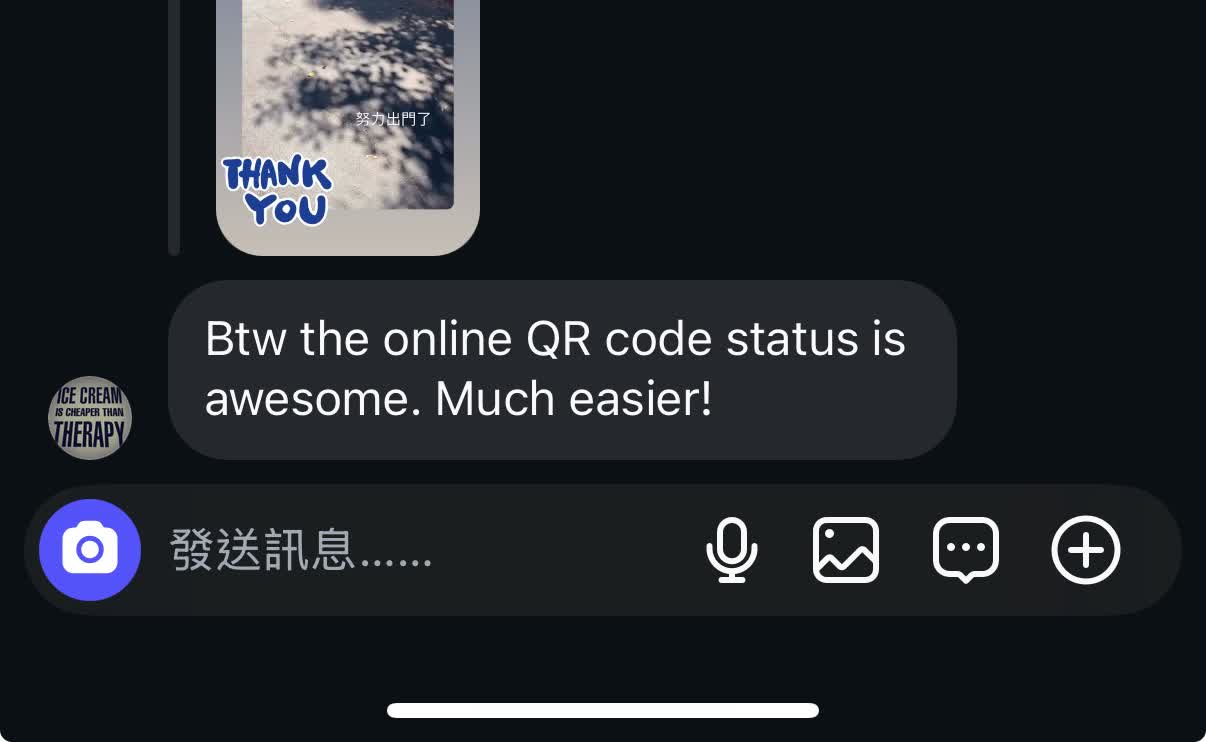
“Btw the online QR code status is awesome. Much easier!” A customer, after using the tracker